Make the listing match the item in your head.
Turn a product find into an exact order: compare the seller, selected variant, size chart, delivery and return terms.
What is Hoobuy Spreadsheet?
Hoobuy Spreadsheet is a product-discovery guide: categories and search lead you to product listings, and the buying pages explain what to check next. It is not a Hoobuy account, a seller, or a live stock feed.
The homepage covers 16 product categories. A product photo helps you recognise the kind of item; open the listing for the current seller, selected option and price. You place and manage the actual purchase in your Hoobuy account.
Browse product categoriesHow to use this Hoobuy Spreadsheet
- Choose a category or search for a product type and one useful feature, such as “zip hoodie”.
- Open a promising listing and select the colour, size, model and quantity before comparing prices.
- Check the seller, measurements, included pieces and any question that could change your choice.
- Save the original product link and selected option, then follow the Hoobuy ordering guide.
If the results are too broad, the query builder combines a product and a detail. If you only have a photo, the image-search guide explains how to use a clear crop in Hoobuy.
Use the search tools Continue to the agent stepsHow to choose a useful Spreadsheet
Try several original product links before saving a long wish list. Check whether photos still match the listing, whether the selected variant can be identified, and whether the guide has dated changes rather than an undated “best products” claim.
Look for useful sizing, QC and cost guidance alongside the links. On this site, use the search tools if an old product link no longer works, then confirm the replacement’s seller and exact option; a similar thumbnail does not establish that it is the same item.
Read this guide’s dated changesHow to choose a product
- Choose the exact colour, model, size and quantity.
- Check whether the price is for one piece, a set, an accessory or a deposit.
- For preorders, ask when the seller expects to dispatch and what happens if you cancel.
- Keep the selected option text with the link so the agent can match it.
Do not assume several products shown in one photograph all come in the parcel.
Compare sizes and measurements
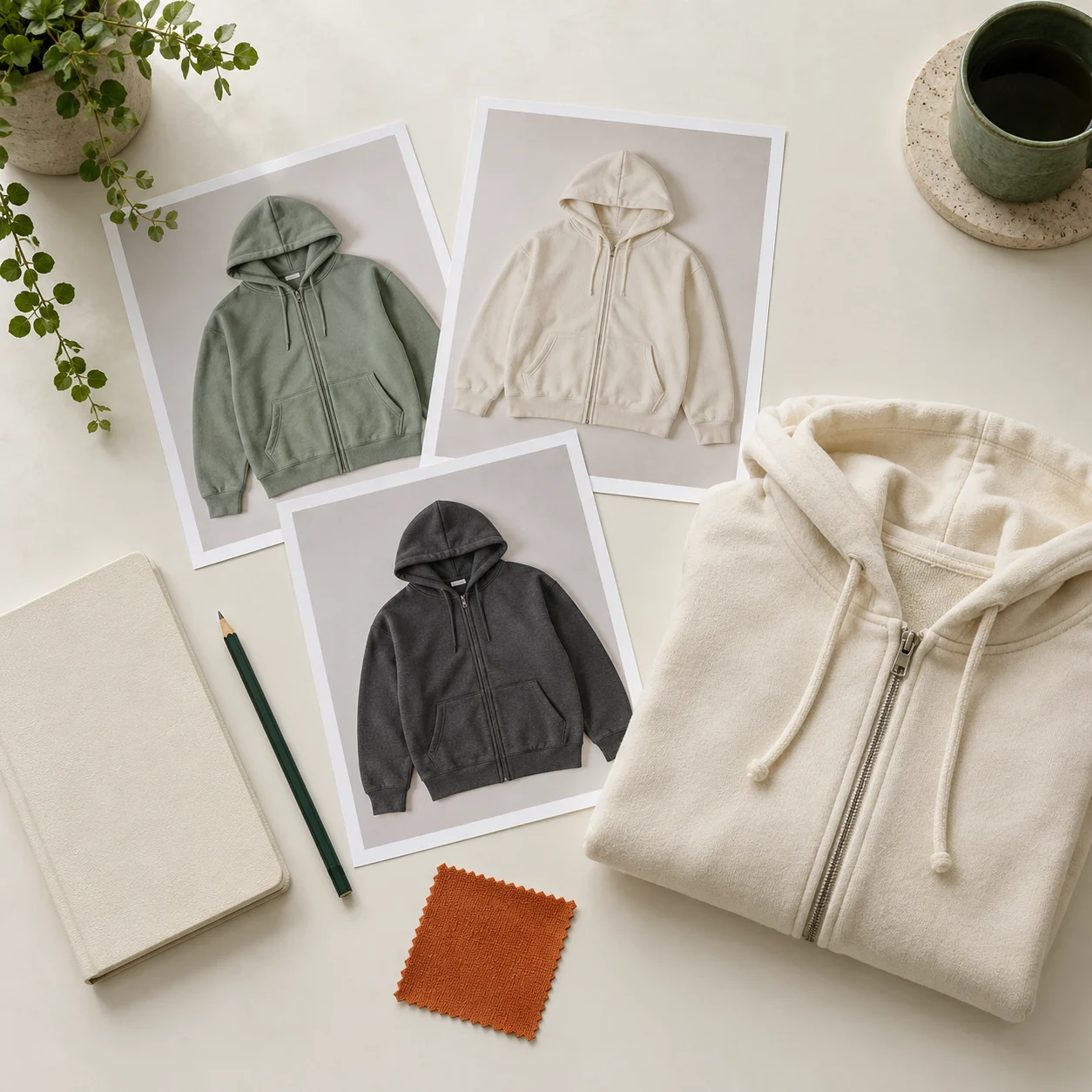
For clothing, lay a piece you already wear flat and compare its chest width, length and sleeves with the seller’s chart. Check whether the chart measures the garment or the body. For shoes, use the seller’s size chart and ask about a specific measurement if the fit is uncertain.
For a bag, check the dimensions, strap length and opening. “Large” does not tell you whether your laptop will fit.
How to choose a seller
Look for recent feedback about this product, not only a store-wide score. Compare descriptions, measurements, dispatch expectations and return conditions. The same photograph can appear in shops selling different versions.
Ask a question that changes your decision: “What is the chest width of size L?” is more useful than “Is this good quality?” If the answer is missing, keep looking before spending more.
Keep a small order note
Save the item link, chosen option, quantity, selected price and anything you need Hoobuy to confirm. Example: “One black bag, large size. Please confirm that the shoulder strap is included. Do not substitute another colour.”
Take the checked link to Hoobuy