Have a picture? Search the part you can recognise.
Choose a clear product picture, use Hoobuy image search and compare matches by shape, details and selectable options.
Give the search one clear object
Use a photo where the item fills most of the frame. A front or side view usually gives more useful clues than a crowded outfit collage. Keep distinctive details such as a zip, sole shape or pocket visible.
If you crop a screenshot, remove unrelated text and surrounding products. Keep the original image too, so you can compare the complete item later.
Use image search on Hoobuy
Open Hoobuy and look for the picture icon in its search field. Choose your saved image, then inspect the results. A similar-looking result may still be a different model or seller.
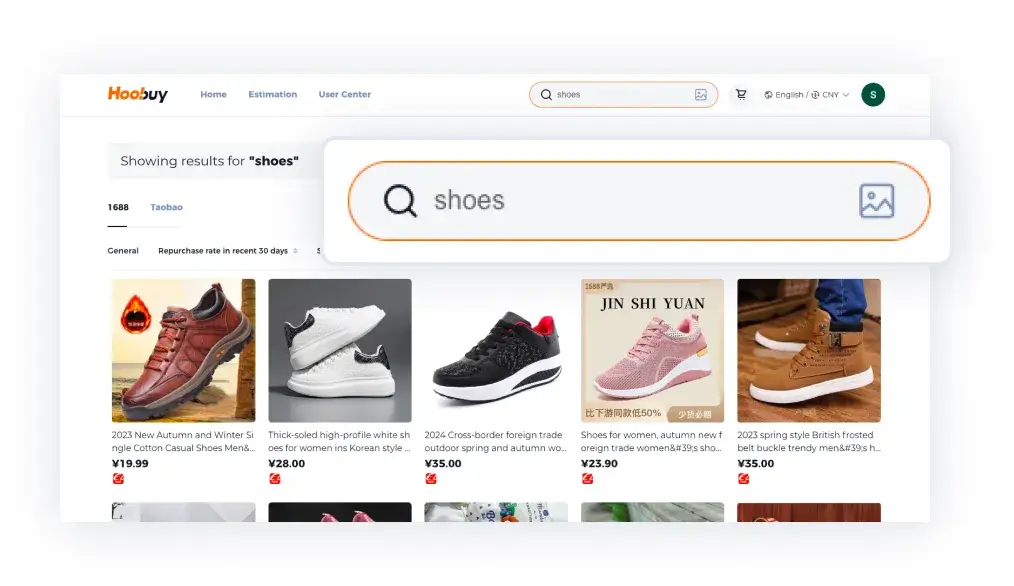
Compare the features that matter
- Match the overall shape and proportions.
- Check seams, fastenings, sole patterns or pocket positions.
- Read the available colours and sizes rather than choosing from the cover image.
- Check the seller, size chart and return terms before paying.
Visual similarity alone does not establish authenticity, materials or fit.
Review the selected option